Linktree was one of the first platforms to make it easy for Creators to put everything they do behind a single link. It has also grown considerably since then, adding sales, lead capture, and analytics. This isn’t really a question of whether Linktree works, but whether it’s the best fit for what you’re trying to build.
If you’re selling a cookbook, booking coaching calls, building an email list, or launching your first digital product, your bio link starts doing much more heavy lifting. Every extra click matters, and so does every extra platform you need to pay for and somehow make play nicely with the others.
Some Linktree alternatives focus on prettier pages. Others give you better lead generation, lower pricing, deeper analytics, or more ways to sell.
If your goal is to turn your engagement into income, that changes the comparison quite a bit. Let’s take a closer look at how these Linktree alternatives stack up.
Linktree Alternative Comparison
Your bio link can do more than link.
The best platform depends on what you want to happen after the click. Here’s how the top options compare for creators focused on audience growth and revenue.
The deciding factor isn’t how many links you get.
If all you need is a tidy list of destinations, several free tools will do the job. But if your goal is to sell, capture leads, and build a Creator business, Stan gives the click somewhere more valuable to go.
What Does Your Link in Bio Really Cost?
At first glance, pricing can look pretty similar across link in bio tools. The differences become much clearer once you look at what each plan actually includes.
Some offer useful freemiums while others put important features behind higher tiers, charge transaction fees when you make a sale, or work best once you add other paid software around them.
The right choice depends on what you need your bio link to do. If you simply need a clean page for links, paying less makes perfect sense. If you’re selling, collecting leads, or building a Creator business, the better question is what that monthly fee replaces.
Transaction fees deserve particular attention. A free or inexpensive plan can become a very different deal once the platform starts taking a percentage of every sale. We break down that math in more detail in our Stan Store vs. Linktree comparison.
Here’s how the main options compare in terms of subscription cost, free access, and transaction fees.
LinkTree Alternative Price Comparison
10 Linktree Alternatives Built for Creators Who Want More
Almost every tool on this list can give you one link and a nice-looking page, but what do you want someone to do when they get there?
1. Stan Store
Best for: Creators who want their link in bio to actually make money
If monetization is the main reason you’re looking for a Linktree alternative, Stan is the option we put at the top of the list.
The reason is less about having the longest feature list and more about how the platform is structured. Most link in bio tools are built around navigation: organize your links, make the page look good, then send people somewhere else to subscribe, book, learn, or buy.
Stan brings more of that journey into one place.
Your storefront, offers, lead capture, checkout, customers, and selling tools can sit much closer together, which makes it easier to move someone from discovering you on social to actually becoming part of your business.
You can start with a simple digital download, use a lead magnet to grow your email list, then add an online course or 1:1 coaching as your business develops.
For a fitness Creator, that might mean starting with a free workout guide, then adding a paid program or coaching. A food Creator could turn a popular recipe series into a downloadable cookbook and later build a course around it. A consultant might begin with 1:1 calls, then package what they know into something that can sell without adding more hours to the calendar.
That flexibility is useful because you don’t always know how or how quickly your business will evolve. You can start with one offer and build from there without having to stitch together a new platform every time you add something.
Why Stan stands out for monetization:
The biggest difference is that many of the tools Creators add after their link in bio are already part of the same system. That means fewer handoffs for your customer and fewer subscriptions, integrations, logins, and customer lists for you to manage behind the scenes.
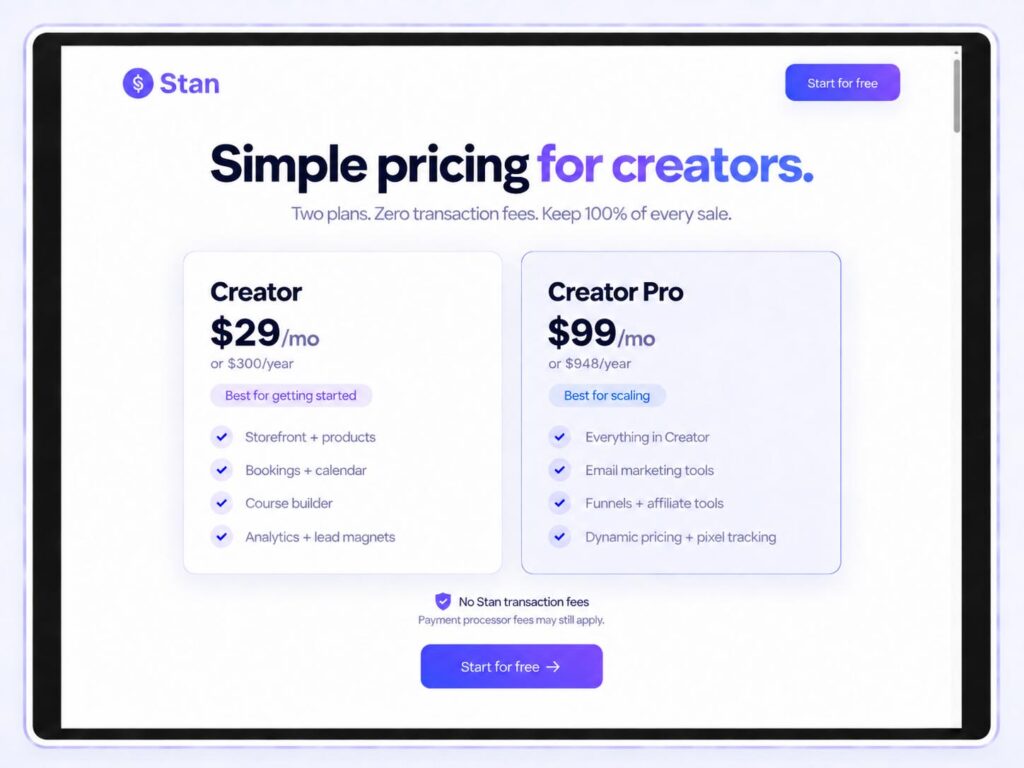
The economics matter too. Stan charges 0% platform transaction fees, so Stan doesn’t take a percentage of each product sale. Linktree, by comparison, currently charges platform transaction fees as high as 12%, depending on the plan and type of sale.
That difference may feel small when you’re making your first few sales, but it becomes much more noticeable as revenue grows.
Stan also gives you room to add more advanced selling tools when you actually need them. Creator Pro includes email marketing, funnels, order bumps, payment plans, affiliate selling, and deeper tracking, so you can grow into a more sophisticated setup without having to rebuild everything elsewhere.
That’s really the distinction: a link page helps people find your business. Stan is built to help you run your business and grow.
Stan currently holds a 4.7/5 Trustpilot rating from more than 2,100 reviews.
2. Beacons
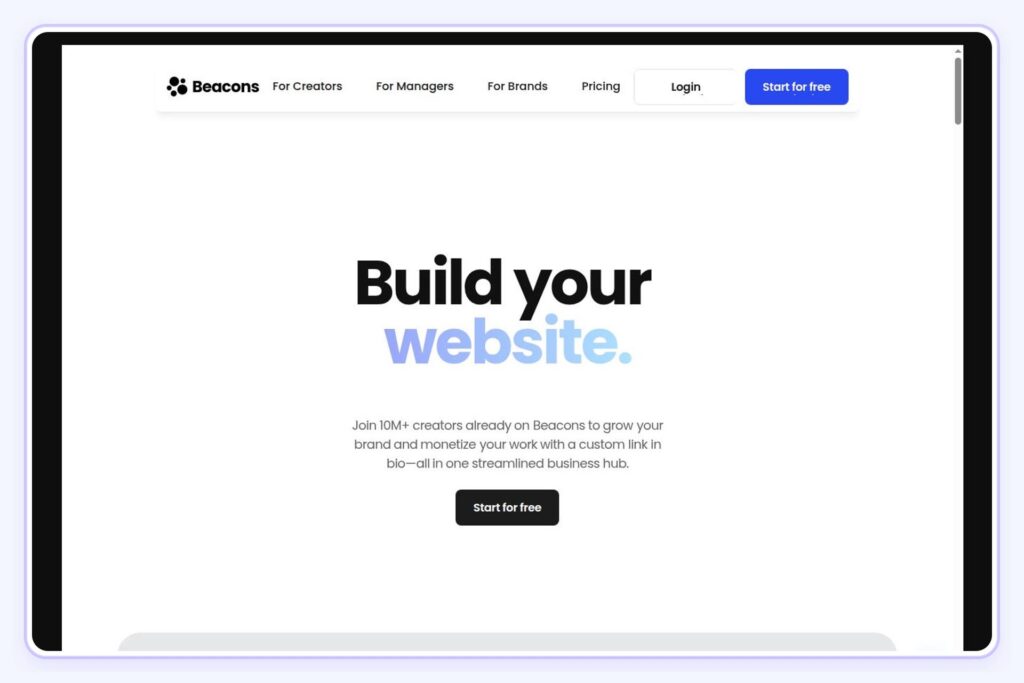
Best for: Creators who want more built-in tools around their link in bio

If you want your link in bio to do more than send people to a handful of URLs, Beacons is a strong option to consider.
You can build a customizable bio page, feature your content and social profiles, collect emails, sell digital products, track analytics, and create a media kit from the same platform. It gives you a lot to work with.
In practice, the link in bio builder feels flexible and easy to customize. It’s easy to add products and email capture without making the page feel too complicated. Beacons is especially useful if you want a little more functionality than Linktree offers, but you are not necessarily looking for a full Creator-commerce setup.
Where Beacons works well:
The biggest strength is how much you can add to the page without needing extra software. It is easy to build something that feels more useful than a basic list of links, and the built-in analytics and email capture are helpful if you are trying to understand what your audience is clicking on.
Limitations:
That range can also make Beacons feel busy if your main priority is simply selling products, courses, or services. It covers a lot of ground, but the overall experience is broader and less commerce-focused than Stan.
Beacons currently has a 4.7/5 rating on G2 from 3 reviews. Its independent review footprint is still relatively small, so the headline score is best taken in context.
3. Lnk.Bio
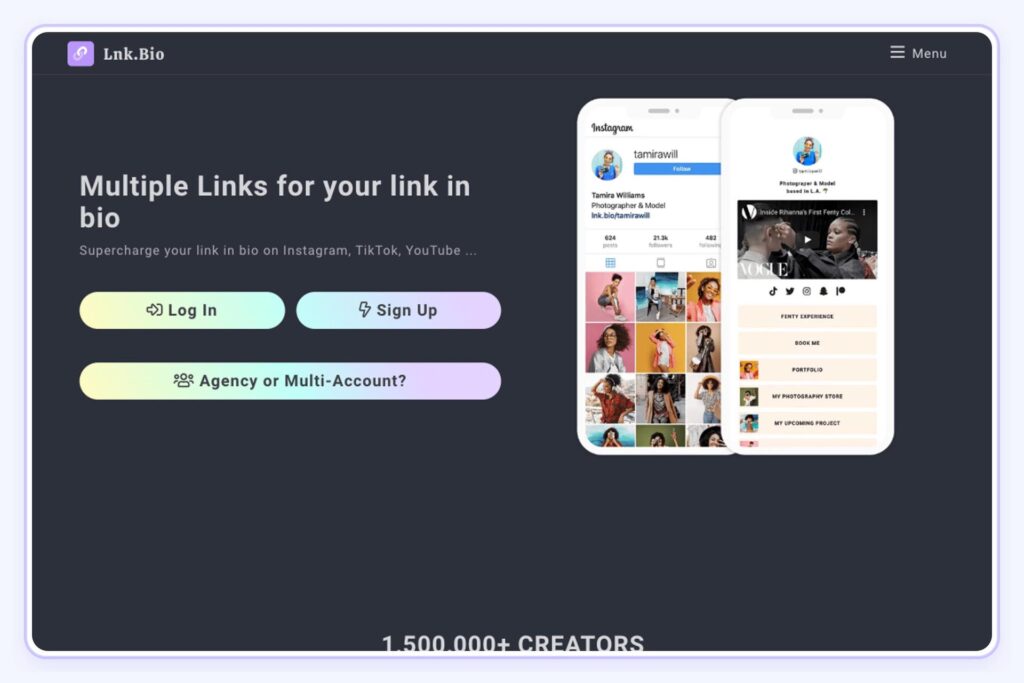
Best for: Creators who want a simple, affordable Linktree replacement
Lnk.Bio keeps things close to the original Linktree formula, and that isn’t necessarily a bad thing. You get a customizable bio page with unlimited links and options for things like newsletters, shops, and subscriptions.
Pricing is the appeal here. While plenty of Creator tools quietly add another monthly bill to your subscription stack, Lnk.Bio still offers one-time payment options. If you’re a “set it and forget it” type, this may be your tool.
Where Lnk.Bio stands out:
It gives you the simplicity people originally came to Linktree for, with more customization and functionality available if you want it.
That makes it a particularly good fit if your bio mainly needs to send people toward your content, newsletter, shop, latest launch, or wherever else matters. You’re not paying for a comprehensive Creator-business platform when all you really need is a very good link page.
Limitations:
Lnk.Bio is still fundamentally a link in bio tool. If you need deeper selling, email, course, or funnel functionality, you’ll probably end up connecting other platforms around it. Simplicity is the point here.
Lnk.Bio currently has a 4.5/5 rating on G2 and reports a 4.66/5 weighted rating across 669 verified reviews from G2, the App Store, and Google Play.
4. Taplink
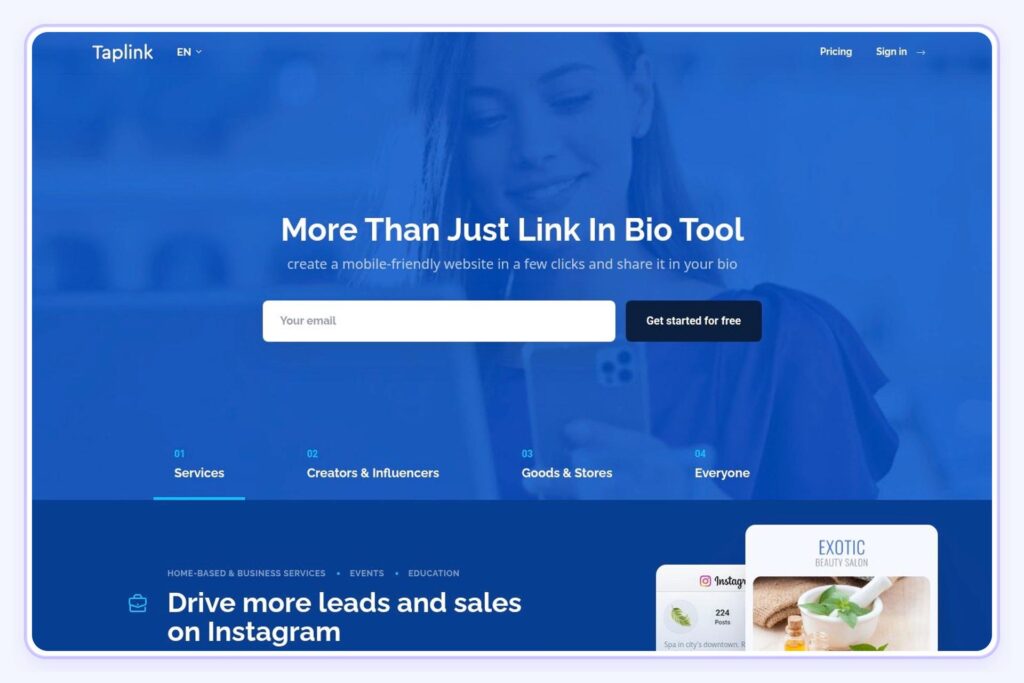
Best for: Service-based Creators who want a bio page built around conversions
Taplink is worth considering if your bio link needs a little extra persuasion power.
Instead of giving people a neat list of places to go, you can build something closer to a mini landing page, with text, images, video, forms, messaging buttons, and multiple sections. That gives you more room to explain an offer before asking someone to take action.
It makes particular sense for service-based Creators. If you’re a coach, photographer, consultant, or anyone using Instagram as a lead source, being able to show your work, answer a few questions, and collect an inquiry on the same page is genuinely useful.
Limitations:
Taplink is probably overkill if all you need is somewhere to park a few links.
Its strength is giving you more control over the page, so you’ll get the most from it if you actually plan to use that extra space to explain, sell, or collect leads.
Taplink currently has a 4.6/5 rating on G2, although that score is based on just 7 reviews.
5. Milkshake
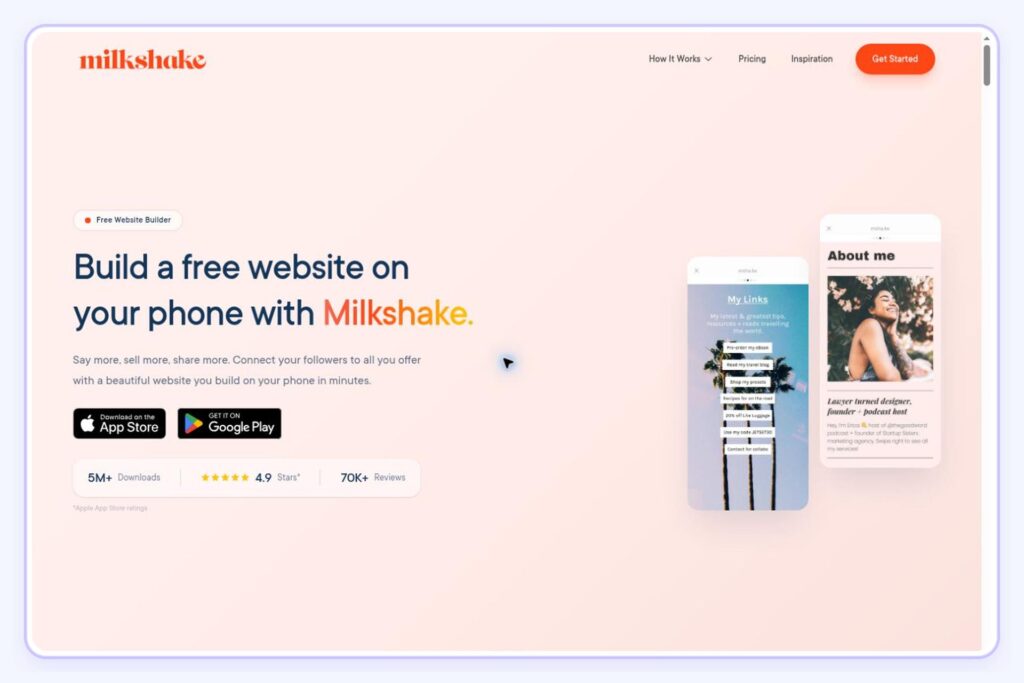
Best for: Creators who care about visual presentation
Milkshake is for Creators who look at the standard stack-of-buttons bio page and think, surely we can make this prettier.

Instead, you build your page from swipeable “Cards” that work a bit like Instagram Stories. One can introduce you, another can hold your links, and another can showcase recommendations, videos, products, or your work.
Everything is built and updated from your phone, which feels particularly natural if Instagram or TikTok is already where you spend most of your working day.
Why Milkshake is interesting:
It gives you considerably more personality than a conventional link page without asking you to become a web designer. There’s more going on under the pretty surface, too. The free plan includes unlimited Cards and links, while paid plans add deeper analytics, lead capture, and marketing integrations.
Limitations:
Milkshake is very much mobile-first, which is either the charm or the catch, depending on how you like to work.
Custom domains require Pro+, and while you can sell digital products directly, Milkshake currently takes a 12% selling fee on Free and Lite, 9% on Pro, and 7% on Pro+, plus payment-processing fees.
If selling is going to be the main event, those percentages deserve a closer look.
Milkshake currently holds a 4.9/5 App Store rating from roughly 15,000 ratings, with users frequently praising its mobile experience and customization.
6. Campsite.bio
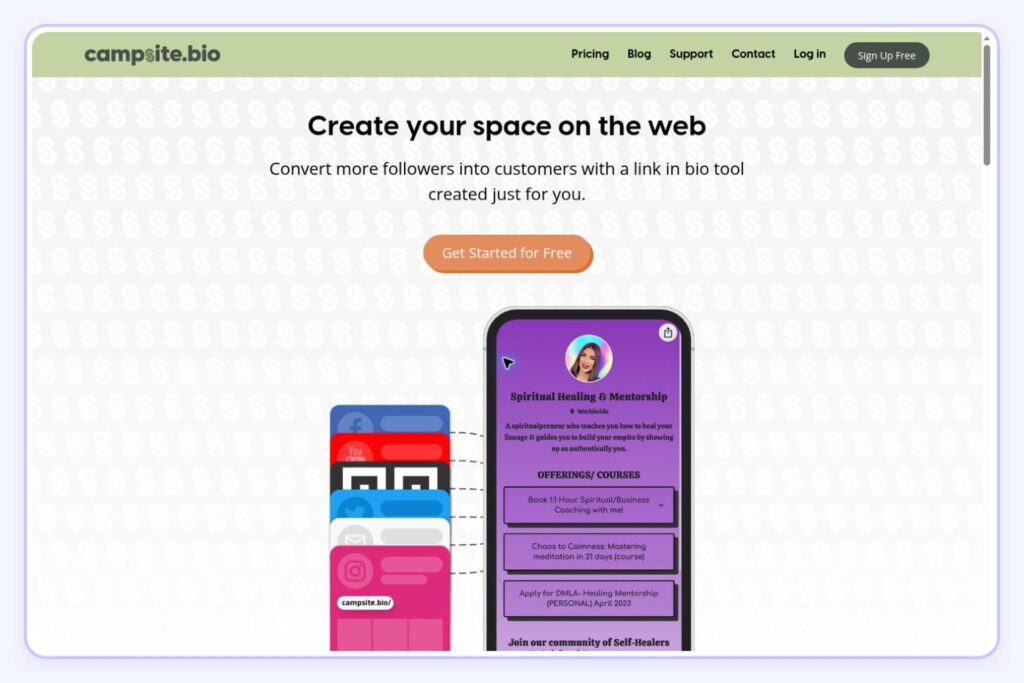
Best for: Creators who want more customization without more complexity
Campsite.bio is a nice middle ground for Creators who have outgrown the default Linktree look, want a little more flexibility, but still need the whole thing to stay manageable.
The free plan gives you unlimited links, custom themes, embeds, image grids, and basic analytics. Upgrade and you can add email capture, scheduled links, custom domains, and additional tracking.
What users are saying:
Customization is where Campsite earns its place on this list. You can play with fonts, backgrounds, images, carousels, feeds, and different link layouts without wandering too far into full website-builder territory.
One Trustpilot reviewer with a web-design background specifically praised that design flexibility and reported increases in clicks, email signups, and digital-product sales.
Limitations:
Campsite gives you plenty of ways to capture leads and send people toward an offer, but it isn’t trying to replace your course platform, email software, or ecommerce setup. If selling directly from your bio is the priority, you’ll probably want something more commerce-focused.
Campsite.bio currently has a 3.9/5 Trustpilot rating from 13 reviews. Its independent review footprint is small, with little recent activity.
7. Shorby
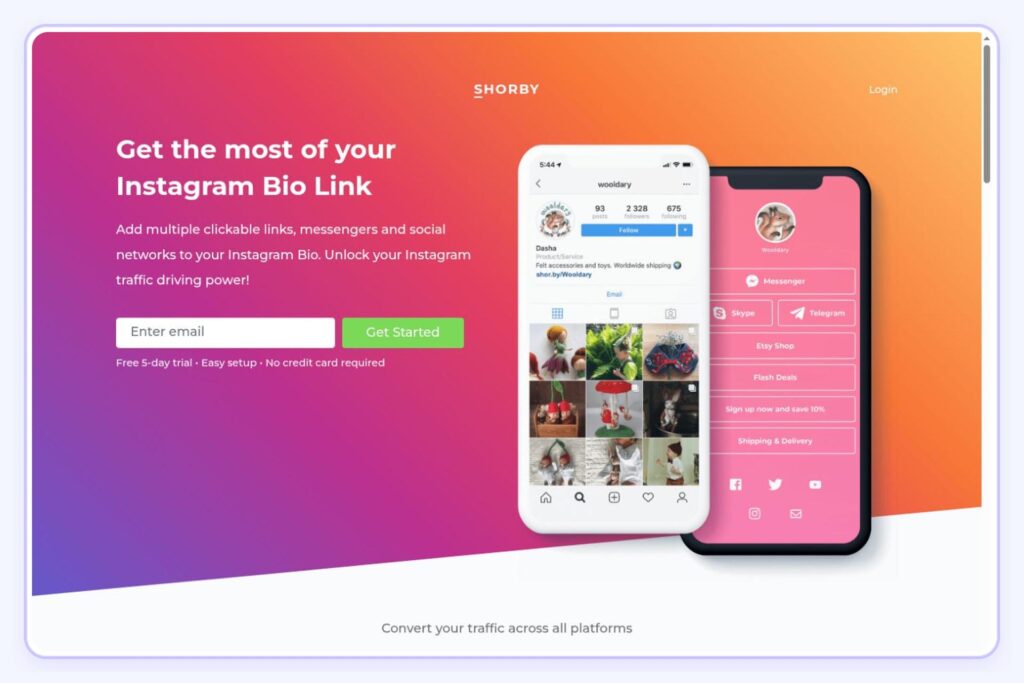
Best for: Creators focused on leads and mobile traffic
Shorby puts more emphasis on direct messaging and tracking. WhatsApp, Telegram, Facebook Messenger, and other contact options can sit right on the page, making it easier for someone to go from “I’m interested” to actually starting a conversation.
You can also add tracking pixels and monitor clicks, which is useful if you’re running ads or want to retarget people who have already interacted with your content.
What works well:
Shorby makes the most sense for Creators whose business starts with a conversation. A consultant can send people straight into WhatsApp, a service-based Creator can make inquiries, the obvious next step, and an affiliate Creator can track which offers are actually getting attention. That focus keeps the page practical. Instead of trying to turn your bio into a full website or storefront, Shorby is built around helping you direct mobile traffic toward a specific action.
Limitations:
Shorby isn’t the strongest option if design or selling directly from your bio is the priority. Customization is more limited than visual tools like Milkshake or Bio Sites.
So while it can be very useful for generating leads and starting conversations, you’ll likely need other tools around it if you want to manage the rest of your Creator business in the same place.
Shorby currently holds a 4.1/5 G2 rating from 11 reviews, so the sentiment is positive, but the review sample is fairly small.
8. Bio Sites by Squarespace
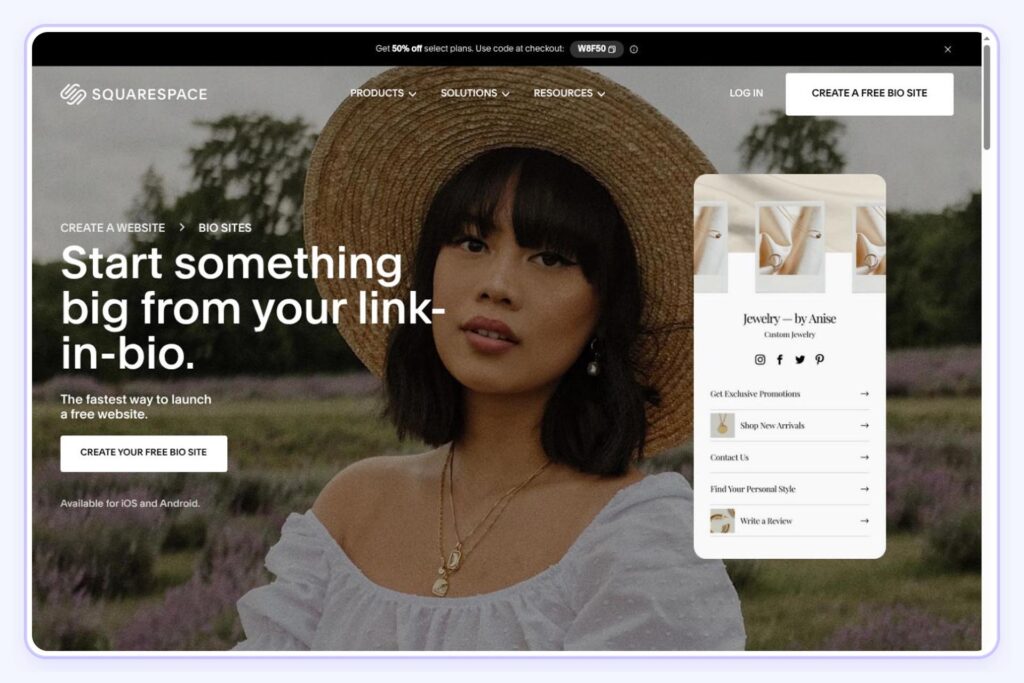
Best for: Creators who want a polished bio page without building a website
Bio Sites brings that familiar Squarespace polish without the full “I guess I’m building a website now” commitment.

You start with a polished template, add links, socials, images, music, products, or email capture, then adjust fonts and colors enough to make the page feel like part of your brand. The result looks noticeably more considered than the standard stack of buttons without handing you a blank canvas to spend hours perfecting.
That makes it an easy recommendation for photographers, designers, musicians, fashion Creators, and anyone else whose bio needs to look as good as the content that got someone there.
A surprisingly good free option:
Bio Sites previously had a paid Pro tier, but Squarespace has since made those features free for Bio Sites users. You can create multiple pages, see basic views and click analytics, collect contact information, sell digital downloads, accept tips, and offer 1:1 appointments.
Limitations:
The polished look comes with guardrails. You can customize layouts, fonts, and colors, but you don’t get the near-endless control of a full website builder, and analytics remain fairly basic.
Selling is possible, but Bio Sites currently charges an 8% transaction fee on digital downloads, tips, and crowdfunding, on top of payment-processing fees.
Unfold, the Squarespace app that includes Bio Sites, currently holds a 4.8/5 App Store rating from around 20,000 ratings. This is not a standalone Bio Sites rating.
9. Feedlink
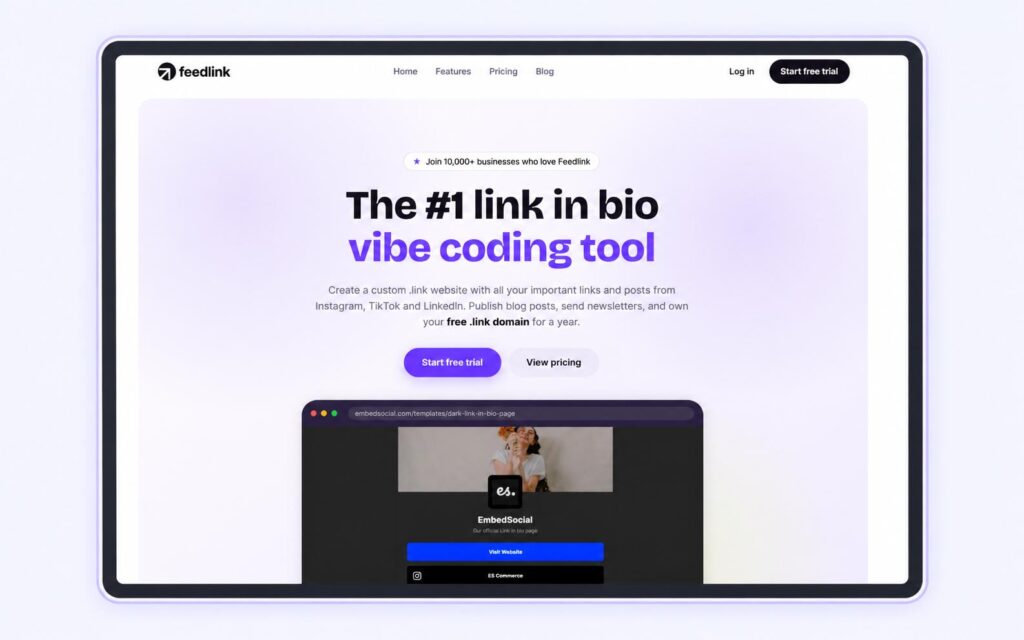
Best for: Creators who want their social content front and center
Feedlink works particularly well when the content that earned the click is also what you want someone to shop, read, or explore next.
On paid plans, you can pull Instagram or TikTok content into the page, then attach a destination to individual posts. That might be the product in a Reel, the recipe behind a food post, a blog article, or your latest offer.
It saves visitors from landing on a generic menu and having to sift through links to find what they are looking for.
What stands out:
That visual connection between your social feed and bio page is Feedlink’s most interesting feature.
Limitations:
Feedlink is strongest when Instagram or TikTok content is central to how people discover what you do. If you mainly need a clean collection of links, you may be paying for functionality you don’t really need.
Feedlink currently holds a 4.7/5 G2 rating from just 3 reviews, so there isn’t enough independent feedback to put too much weight on the score alone.
10. Start Page by Buffer
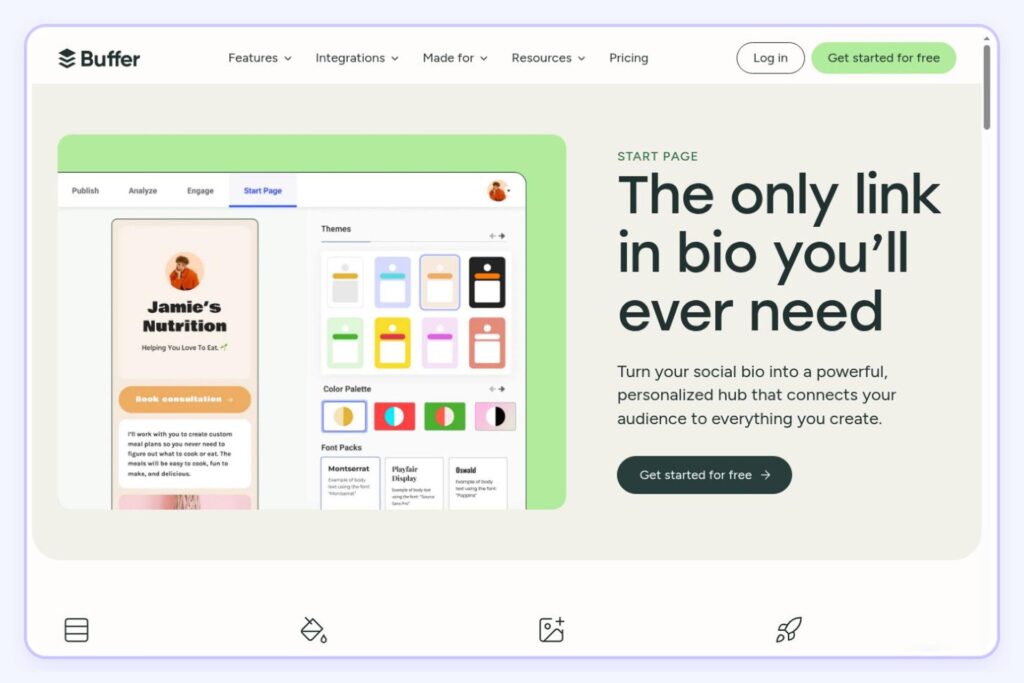
Best for: Creators already using Buffer
If Buffer is already where you plan and schedule your social content, Start Page is the fairly obvious “while we’re here…” option.
It lives inside the same Buffer account and gives you a customizable bio page for links, products, videos, images, email capture, and other content. You also get click and traffic analytics, so you can see whether anyone is actually clicking that carefully chosen CTA.
What works:
For Creators already using Buffer to manage Instagram, TikTok, LinkedIn, or other accounts, keeping another piece of the workflow under the same roof has obvious appeal.
Limitations:
Start Page is best thought of as an extension of Buffer, not a complete Creator-commerce platform.
You can showcase products and collect emails, but there’s no native course system or substantial built-in storefront and checkout infrastructure. If selling directly through your bio becomes the priority, you may outgrow it quickly. Start Pages also currently have to be created and edited on desktop.
Buffer currently holds a 4.3/5 G2 rating from more than 1,000 reviews. That rating covers Buffer overall, not Start Page specifically.
Which Link in Bio Tool Should You Choose?
Don’t start with the feature list. Start with the job.
For Creators who only need a cleaner home for their links, there are plenty of good options here. But if your bio link is part of a bigger plan to grow an audience, build an email list, and turn that attention into revenue, Stan is the strongest fit.
Stan gives you room to start simple, without boxing you into a tool you’ll need to replace later. For Creators serious about building a business around their content, that matters more than saving a few dollars on the monthly plan.