Mighty Networks works best when Community is a big part of what you sell.
If member participation is central to the experience, Mighty Networks gives you plenty of room to develop it. If Community plays a smaller role, these alternatives offer different ways to sell, teach, and connect with your audience.
If you’re looking to sell more than just a product, Mighty Networks is a solid choice. It’s where your people can actually connect, learn, and keep showing up. When your business relies on community, that kind of engagement is what really moves the needle.
But not every Creator needs to build the business around a community. If you already have an audience on social and just want a simpler way to sell, or if your course is the main draw and community is more of a bonus, you might want a different setup.
In those cases, another platform could be a better fit.
What Is Mighty Networks?
Mighty Networks is built primarily for running online communities. The platform is designed around what happens after someone joins, with plenty of tools to keep members active and give them reasons to return.
Depending on the plan, you can add:
- Community spaces
- Online courses
- Events and live sessions
- Paid memberships
- Gamification
- AI-assisted community management
- Automations and integrations
Mighty also offers branded mobile apps through Mighty Pro, which is useful for businesses that want the member experience to feel more like its own product.
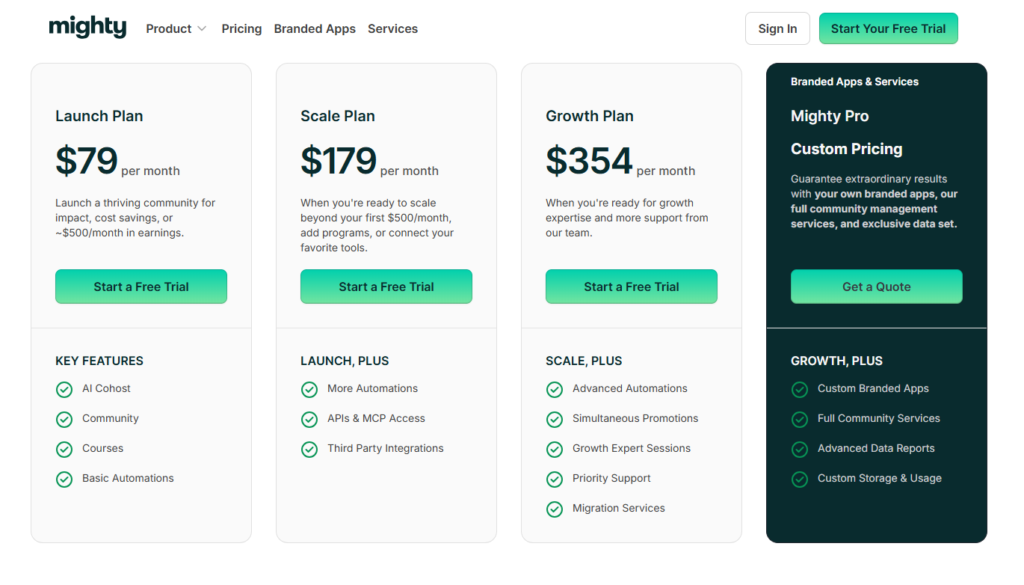
Note that the Launch plan carries a 2% platform transaction fee, with lower fees available on higher tiers. None of that makes Mighty Networks poor value. It simply means you want to be fairly sure you need the kind of community infrastructure you are paying for.
When a Different Platform Might Fit Better
The main reason to consider other options is not that Mighty Networks offers too many features. Instead, it’s that these features are built for a specific type of business.
Mighty Networks works best when the community itself adds real value. Members aren’t just paying for your content—their experience depends on what happens within the group.
But not every Creator business works this way.
Here’s when to ask if Mighty Networks is the best fit:
- Most people already discover you through social content.
- Community is only one part of what you sell.
- You want a shorter path from discovery to purchase.
- Your paid content matters more than member participation.
- You want less community infrastructure to manage.
- You need more support on the marketing side.
If the community plays a supporting role rather than carrying the offer, you may not need everything Mighty Networks is designed to provide.

5 Mighty Networks Alternatives for Creators
Pricing shown in USD. Annual-billing equivalents are noted where applicable. Platform transaction fees are separate from payment-processing fees. Pricing and features may change.
Stan
⭐ 4.7/5 on Trustpilot
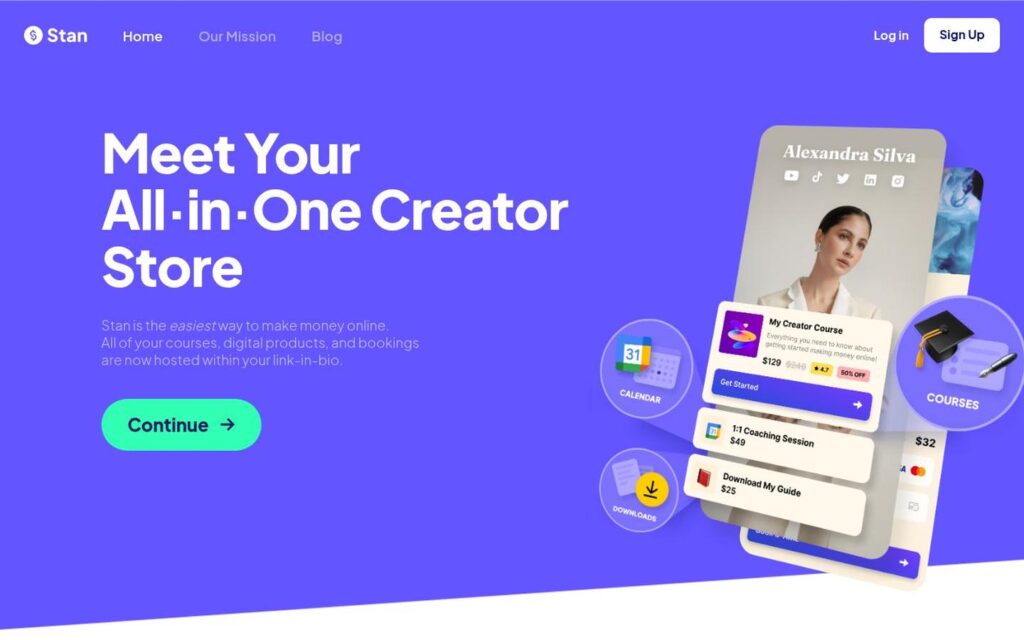
Stan is a strong pick if you want to offer Community access without making your entire business revolve around it. Your storefront sits behind the link in your social bio, giving people a direct path from your content to what you sell.
You can offer:
- Coaching
- Courses
- Digital products
- Memberships
- Community access
That works well for Creators whose audience wants different things. Some people may want to join a Community, while others would rather buy a course or book time with you.
Mighty Networks goes much deeper once people are inside the community, which is useful when member participation is a big part of the value. If Community is just one part of what you offer, Stan keeps the experience much simpler.
Stan starts at $29 per month for Creator and $99 per month for Creator Pro. Both plans have 0% Stan platform transaction fees, plus a 14-day free trial.
Circle
⭐ 4.0/5 on Trustpilot
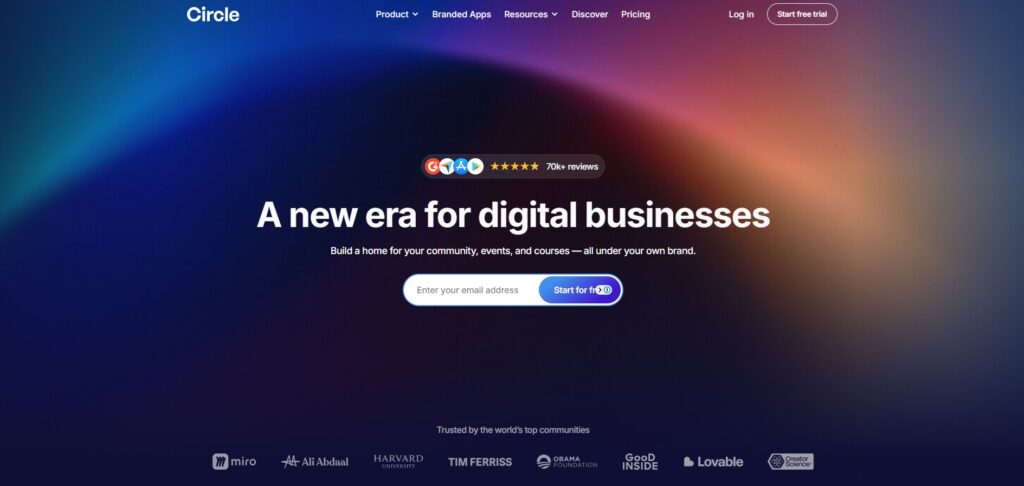
Circle is a good option if you still want a dedicated community platform, but prefer a more structured way to organize the member experience.
You can create separate spaces for different parts of the community, which helps keep conversations easier to follow as the group grows.
Circle also supports:
- Courses
- Live events
- Gamification
- Native apps
Mighty Networks and Circle are fairly close in what they are trying to do. The difference comes down more to how you want the community to feel and how much control you want over its structure.

Circle makes the most sense if you still want Community to be a major part of the product, but prefer its approach to organizing the member experience.
Circle’s Professional plan starts at $89 per month when billed annually and carries a 2% transaction fee. Business starts at $199 per month with a 1% fee.
Skool
⭐ N/A on Trustpilot
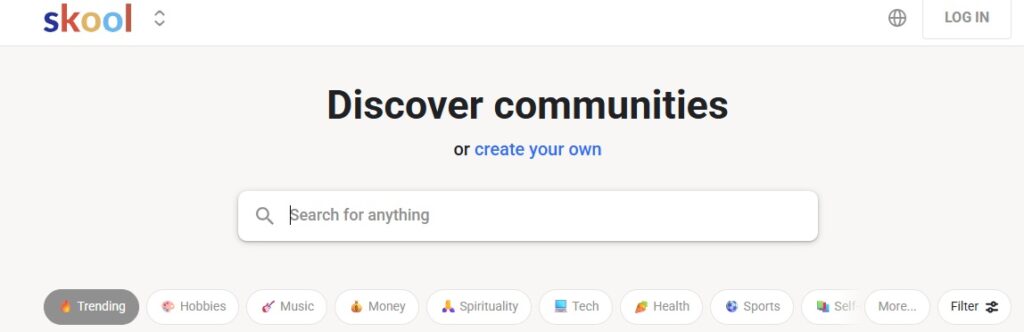
Choose Skool if you’re looking for a simpler community setup with more emphasis on participation.
Gamification is built into the experience rather than added on as an extra feature. Members earn points as they participate. Those points move them through levels, while leaderboards make progress visible to the group. Hosts can also tie rewards to that progress, giving people another reason to return.
Skool gives hosts fewer decisions to make about how everything should look and operate. Most communities follow the same basic structure, which can feel limiting if you want a highly customized experience, but useful if you would rather spend less time configuring the platform.
Mighty Networks gives you more room to shape the member experience. Skool keeps things more standardized and makes participation a much more visible part of the community.
Skool currently offers Hobby at $9 per month and Pro at $99 per month. Hobby carries a higher transaction fee, while Pro reduces that percentage considerably.
Kajabi
⭐ 3.4/5 on Trustpilot
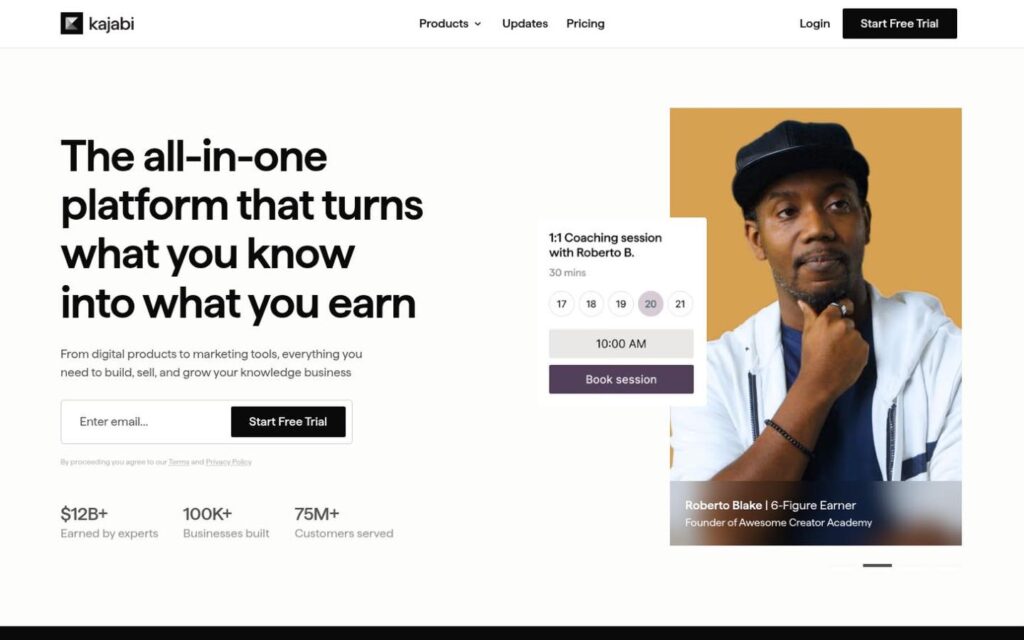
Kajabi starts to make more sense once selling your expertise requires more than a Community platform.
It gives Creators built-in tools for:
- Email marketing
- Sales funnels
- Offer management
Kajabi is useful when the sales side of the business needs as much attention as the member experience itself. You are getting more than a place for people to connect.
Mighty Networks goes deeper on Community. Kajabi puts more emphasis on the systems that help you attract customers and sell your offers.

If you only need a paid Community, Kajabi can be more platform than you need. It makes more sense when those broader marketing tools are actually part of how you run the business.
Kajabi currently starts at $179 per month for Basic. Growth costs $249 per month, while Pro costs $499 per month.
Podia

⭐ 4.1/5 on Trustpilot
Compared with Mighty Networks, Podia gives you fewer ways to turn Community into a highly developed member experience. You can create spaces and control who has access, but everything still sits within one Community per account.
That makes Podia a better fit when Community supports what you sell rather than functioning as the product itself.
The platform also gives you a full website and lets you sell:
- Courses
- Coaching
- Digital downloads
Email marketing is built in too, so more of the business can run from the same platform.
Mighty Networks goes further with dedicated engagement tools and gives you more room to shape how members participate over time. Podia keeps that side of the experience lighter.
Mover costs $49 per month or $42 per month when billed annually and carries a 5% transaction fee. Shaker costs $99 per month or $84 annually and removes that fee.
How Much Community Do You Need?
There is a difference between wanting to offer a community and wanting to run a community business.
Mighty Networks is built for the second one. It gives you plenty of room to create an experience people actively participate in after they join, which makes sense when that participation is an important part of what they paid for.
The alternatives take different approaches. Circle stays close to the dedicated community model, while Skool simplifies it considerably. Kajabi shifts more attention toward marketing, and Podia makes Community part of a broader Creator website.
Stan differs most from Mighty Networks because it starts with the audience you already have. People can discover you through your content, visit your storefront, and choose the offer that makes sense for them. Community is available when it adds value, but it does not have to determine how everything else is sold.
For a social-first Creator, that may be all the Community infrastructure you actually need.