Creating a course has never been simpler. The tricky part is finding the right platform to host, market, and sell it.
Part of the problem is that traditional online course platforms tend to focus heavily on course delivery, ignoring marketing features that turn followers into customers. Creators need more than just a learning management system; they need a fully integrated platform that allows room for growth.
Some features you should consider when shopping around for an online course platform include:
- Course Hosting: A reliable place to upload and organize videos, lessons, modules, and downloadable course materials.
- Checkout and Payment Processing: Built-in tools for accepting payments securely, managing purchases, and automatically enrolling customers.
- Marketing: Features such as landing pages, sales funnels, discount codes, upsells, and affiliate tools that help you attract and convert more customers.
- Email Capture: Lead-generation tools that let you collect email addresses and build an audience you can market future courses and offers to.
- Digital Download Delivery: The ability to automatically deliver eBooks, templates, guides, worksheets, and other digital products after purchase.
Choosing the right online course platform depends on your business model, audience, and sales strategy. To help you decide, we’ve researched and compared 10 top platforms, looking at their features, pricing, marketing tools, and overall suitability for Creators.
Stan is a great option for social-first Creators. If you already have an audience and want an easy way to monetize it, this platform keeps things simple.
Online Course Platform Comparison
Top pick for Creator businesses: Stan
Stan is an all-in-one platform for Creators. It brings together course creation, checkout, and marketing tools so you can launch and sell your course in one place, without juggling multiple platforms.
Stan also lets Creators expand beyond courses. As your business grows, you can easily sell digital products, coaching, memberships, communities, lead magnets, and more.
What Should You Look for in an Online Course Platform?
Easy Course Creation and Student Experience
A great online course platform does two things well: it keeps your content organized and ensures students enjoy a seamless learning experience.
Choose a platform that supports video lessons, modules, and downloadable resources. This lets you organize your course into clear sections and keep everything students need in one place. You may also want to consider drip content, which unlocks lessons gradually rather than giving students access to everything at once.
The student experience is just as important as your course-building tools. Your platform should be simple to navigate on both desktop and mobile devices, as many students will access lessons on their phones. Signing in and accessing purchased content should also be straightforward, with no unnecessary steps getting in the way.
The easier your course is to navigate, the easier it is for students to focus on actual learning rather than figuring out how to use the platform you choose.
Selling and Checkout Functionality
Selling and checkout tools are a must-have for any online course platform. They make it easy for students to enroll and pay for courses, while keeping the experience smooth and secure. The result? Higher conversion rates and happier customers.
Some of the basic features you should be on the lookout for are:
- Checkout Experience: Look for a fast, mobile-friendly checkout that requires as few steps as possible to complete a purchase.
- Payment Plans: Giving customers the option to split a higher-priced course into multiple payments can make your offer more accessible.
- Upselling: Built-in upsells let you recommend additional courses, coaching, memberships, or digital products after a customer makes a purchase.
- Coupons: Discount codes can help you run promotions, reward loyal customers, or create urgency around a course launch.
You should also check which payment processors the platform supports and whether it charges transaction fees. Even a small percentage can make a big difference as your course business scales.
Your course platform should automate the entire process from checkout to course access. Once a purchase is complete, students can start learning immediately, with no manual account creation, access instructions, or enrollment management needed on your end.
Marketing Tools
Creating a great course is just the start. You also need the right tools to attract, engage, and convert your audience into paying students.
Useful marketing features to look for include:
- Email Capture: Build your email list to keep in touch with visitors and nurture them towards a purchase over time.
- Funnels: Guide potential customers through a structured journey from discovering your offer to completing a purchase.
- Lead Magnets: Offer free resources like guides, templates, checklists, or mini-courses in exchange for an email address.
- Analytics: Monitor traffic, conversions, sales, and customer behavior to pinpoint which marketing efforts are truly driving results.
- Affiliate Marketing: Let other Creators, customers, or partners promote your course in exchange for a commission on the sales they generate.
The more tools your course platform includes out of the box, the less time you’ll spend managing separate subscriptions and integrations. For Creators, having marketing and course delivery under one roof makes it simpler to grow without the headache of a complex tech stack.
Room to Grow Beyond Just Courses
Creators shouldn’t choose a platform solely based on what they offer now, even if courses are a focal point of their business. Having the flexibility to offer other digital products to your audience allows you much more room to grow and diversify your income streams.
Other revenue streams you may want to consider in the future include:

- Digital Downloads: Sell eBooks, templates, guides, worksheets, presets, or other downloadable resources alongside your courses.
- Coaching: Offer one-on-one or group coaching for customers who want more personalized support.
- Memberships: Generate recurring revenue by providing members with ongoing access to exclusive content, resources, or training.
- Communities: Create a private space for your customers to connect, ask questions, and learn from one another.
- Webinars: Host live workshops, masterclasses, or training sessions as standalone offers or as an upsell to your courses.
Picking a platform that supports multiple offer types saves you from migrating to a new system down the road. It also makes it easier to build a broader product ecosystem around your expertise, so you’re not relying on a single course for all your revenue.
Online Course Platform Pricing Comparison
The subscription price is just the starting point. Transaction fees, email tools, funnel builders, and checkout software can all add up, significantly changing what you actually pay for an online course platform.
10 Online Course Platforms Built for Creators and Educators
Picking the right online course platform goes beyond just hosting videos and lessons. You need a platform that helps you sell, market, and deliver your course, and one that can grow with your business.
We’ve compared 10 of the best online course platforms for Creators and educators. Here’s a breakdown of what each platform does best, who they’re designed for, and where they fall short.
1. Stan: Best Online Course Platform for Creators
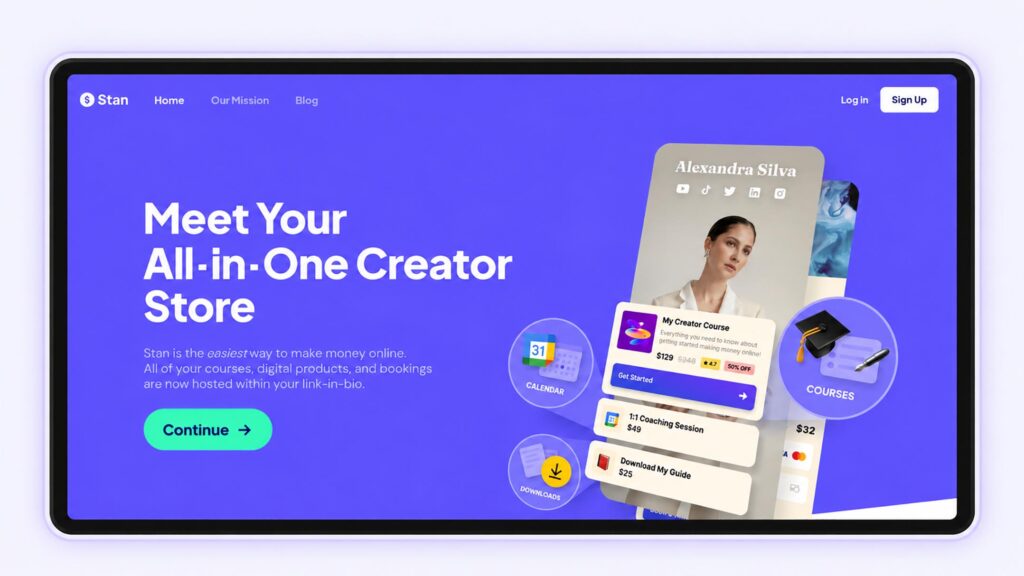
Stan currently holds a 4.7/5 Trustpilot rating from more than 2,100 reviews.
Stan is a favorite for Creators who want to sell online courses without building an entire website or piecing together a complicated tech stack.
Our platform combines course delivery, checkout, and Creator-focused selling tools in one platform, making it especially well-suited to people who already have an audience on social media.
Creators can build courses using modules and lessons, add videos and supporting materials, and sell directly from their storefront. Since checkout and course access are all in one place, your customers can go from discovering your content to purchasing your course in just a few simple steps.
Why Stan is Great for Creators
What really sets Stan apart is that it treats your course as part of a larger Creator business rather than an isolated product.
Sell courses alongside digital downloads, coaching, memberships, communities, lead magnets, and more. Start with a single course, then expand your offerings as your audience grows.
Where Stan Works Best
Stan is particularly well-suited for creators who want to diversify their income streams and engage with their audience in multiple ways, including:
- Coaches and consultants
- Fitness and wellness Creators
- Business and marketing Creators
- Educators and subject-matter experts
- Influencers with an existing audience
- Creators selling multiple types of digital products
This works best when your course is one piece of a larger business built around your personal brand, expertise, or audience.
Limitations of Using Stan
Stan isn’t the best fit for every course business. If you need advanced LMS features, detailed assessments, complex student management, or a highly customizable website, platforms like Thinkific or Kajabi may be a better choice.
Some of Stan’s more advanced selling and marketing features also require the higher-tier plan, so it’s worth comparing the available plans against the features you actually expect to use.
2. Kajabi: Best for Advanced Marketing
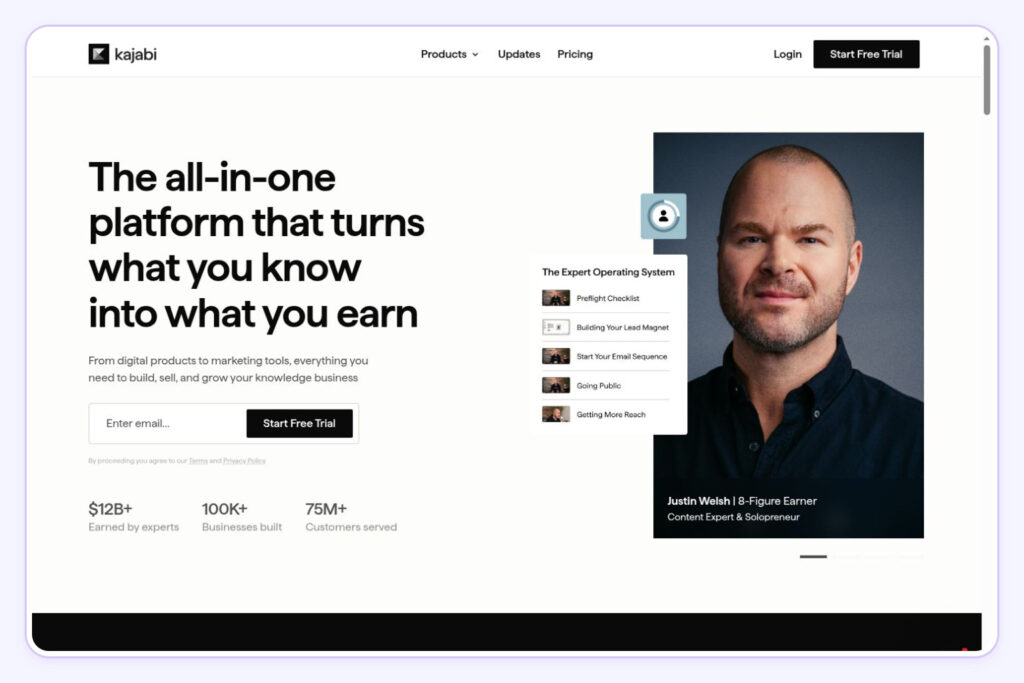
Kajabi currently holds a 3.5/5 Trustpilot rating from more than 2,300 reviews.
Kajabi is a great fit for established creators and online education businesses looking for more than just course hosting. It brings together courses, website building, landing pages, email marketing, sales funnels, communities, and automation.
Want a closer look at costs and features? Our guide on whether Kajabi is worth it breaks down when the platform is a good fit and when it might be more than you need.
Kajabi works best for established businesses selling higher-ticket courses, memberships, or coaching programs. With built-in funnels, email tools, and website features, it can replace much of your marketing software stack, making it a solid choice if you’re running complex launches or campaigns.
Limitations
That said, Kajabi’s extra features come at a cost (both in price and complexity). If you just want to sell a course to your existing audience, a simpler, creator-focused platform might be a better fit.

3. Teachable: Best for Traditional Course Businesses
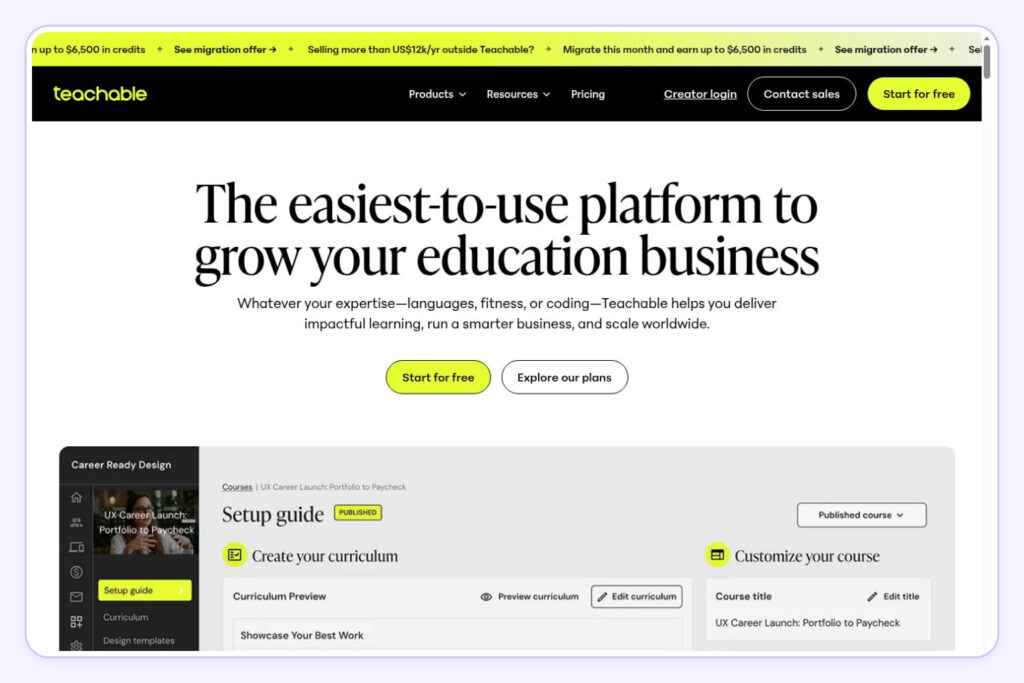
Teachable currently holds a 3.3/5 Trustpilot rating from more than 1,100 reviews.
Teachable is a well-established platform built for educators who want to create and sell online courses. You can build structured lessons, add quizzes, and issue completion certificates. It also handles sales tax and VAT automatically, saving you the administrative headache. Teachable also has a mobile app, making it easy for students to access course materials.
For a deeper comparison, see our Stan Store vs. Teachable comparison guide.
Limitations
Teachable is built around courses, not a social-first creator experience. It doesn’t have a native link-in-bio feature, and its entry-level Starter plan comes with a 7.5% transaction fee. Product limits also vary by plan, which could feel restrictive as your offerings grow beyond courses.
4. Thinkific: Best for Custom Learning Experiences
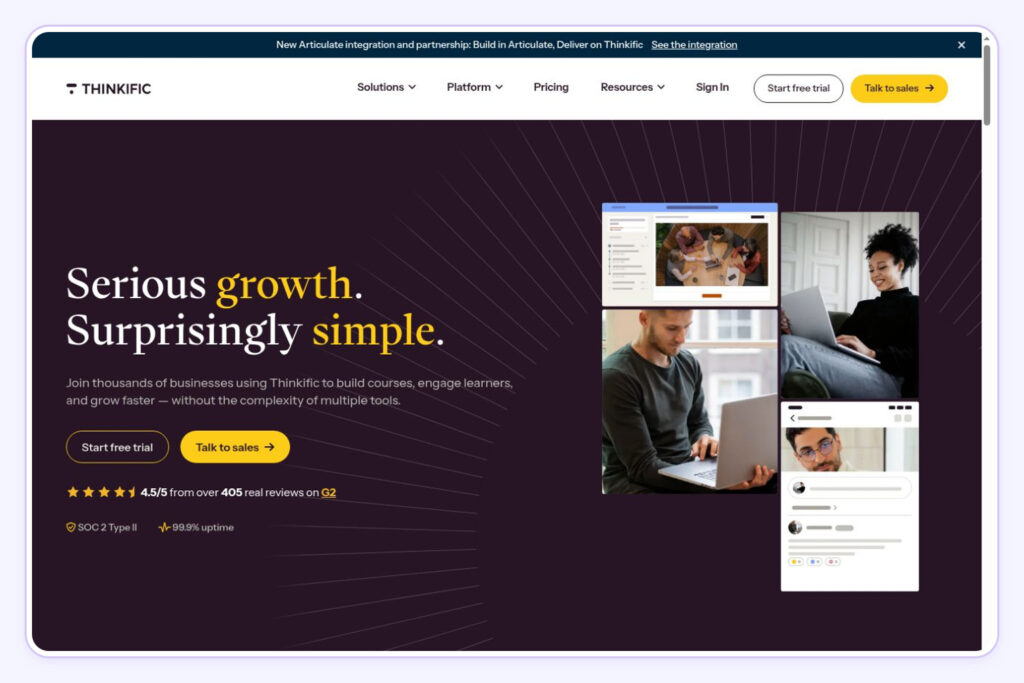
Thinkific currently holds a 1.8/5 TrustPilot rating from more than 800 reviews.
Thinkific is a great option if you’re an educator or training business looking for more control over your course structure and delivery. It comes with everything you need to build a solid online learning experience: multimedia lessons, quizzes, assignments, communities, and more.
Limitations
Thinkific can feel overly complex for individual creators. It’s not built with social-first selling in mind, meaning you’ll likely need extra tools for lead generation, funnels, and other marketing needs.
5. Podia: Best for Simple Online Education Businesses
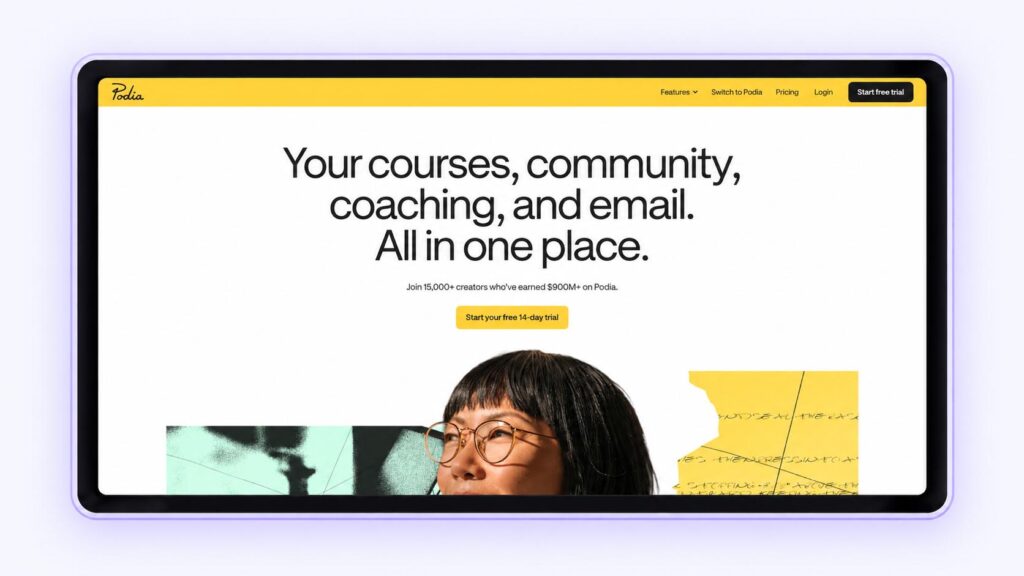
Podia currently holds a 4.1/5 Trustpilot rating from more than 100 reviews.
Podia is an all-in-one platform built for creators who want to run a full online education business. It goes beyond online courses, supporting digital products, memberships, communities, email marketing, landing pages, and blogging. If you want your courses to live within a complete website (rather than a simple link-in-bio storefront), Podia is worth considering.
For a closer look at how the platforms stack up, read our Stan Store vs. Podia comparison guide.
Limitations
Setting up Podia can take more time than a simple Creator storefront. Its entry-level Mover plan starts at $49 per month with a 5% transaction fee, and product and subscriber limits will depend on the plan you choose.
6. LearnWorlds: Best for Advanced Course Experiences
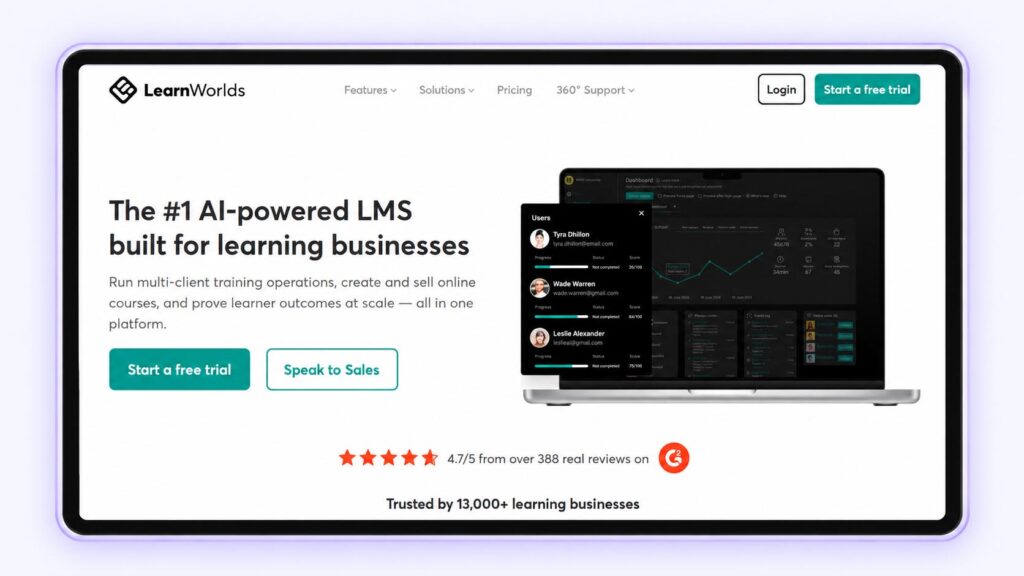
LearnWorlds currently holds a 4.8/5 Trustpilot rating from more than 400 reviews.
LearnWorlds is a great fit for educators and training businesses that need more control over the learning experience. It comes with interactive videos, assessments, certificates, and customizable course environments, which makes it ideal for structured education programs rather than simple course sales.
Limitations
The platform can be more complex than many individual Creators need. If your main goal is to quickly sell a straightforward course to an existing audience, its advanced LMS features may add unnecessary setup and complexity.
7. Mighty Networks: Best for Community-Led Courses
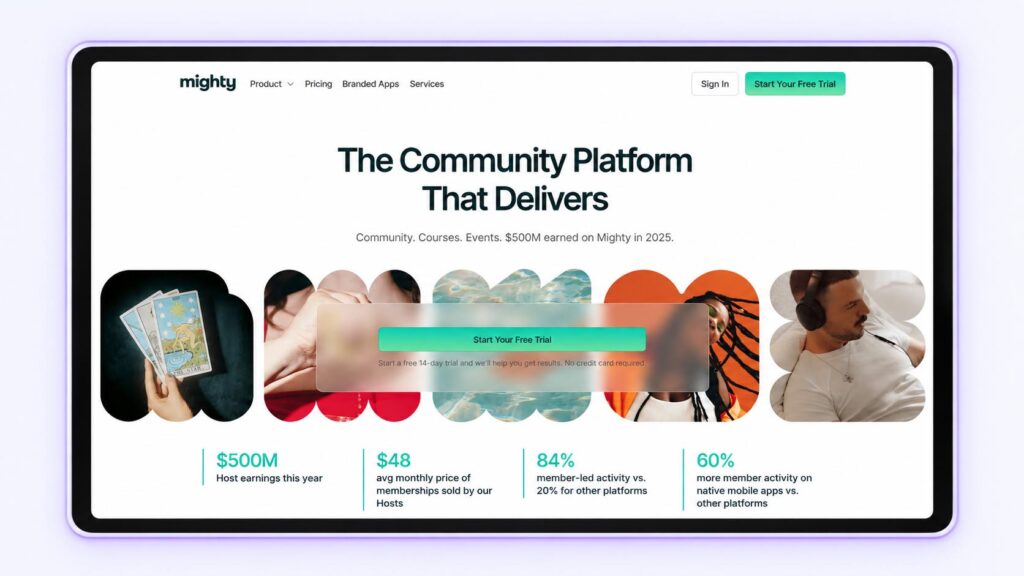
Mighty Networks currently holds a 3.4/5 Trustpilot rating from more than 200 reviews.
Mighty Networks is a great fit for cohort-based courses, memberships, masterminds, and programs where community interaction matters. If ongoing discussion and community access are part of your offering, this platform is worth considering.
Limitations
Mighty Networks puts community ahead of commerce. If you’re mainly looking for a simple way to sell courses or digital products, you may end up paying for community features you don’t need.

8. Udemy: Best for Marketplace Discovery
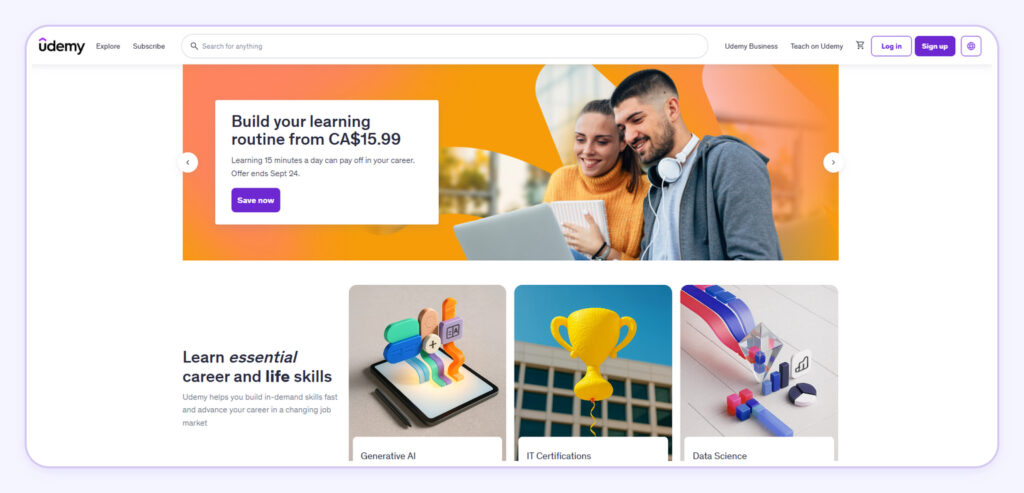
Udemy currently holds a 1.6/5 Trustpilot rating from more than 1,900 reviews.
Udemy is an online course marketplace that connects instructors with students who are already looking to learn. Unlike platforms like Stan or Kajabi, Udemy gives creators instant access to an existing audience, so smaller Creators can punch above their weight.
Limitations
The downside to Udemy is that you’ll have less control over pricing, branding, and customer relationships. You’ll also be competing with thousands of other courses on the same platform. If you already have an audience, selling directly to them may be a better option than Udemy.
9. Skillshare: Best for Creative Courses
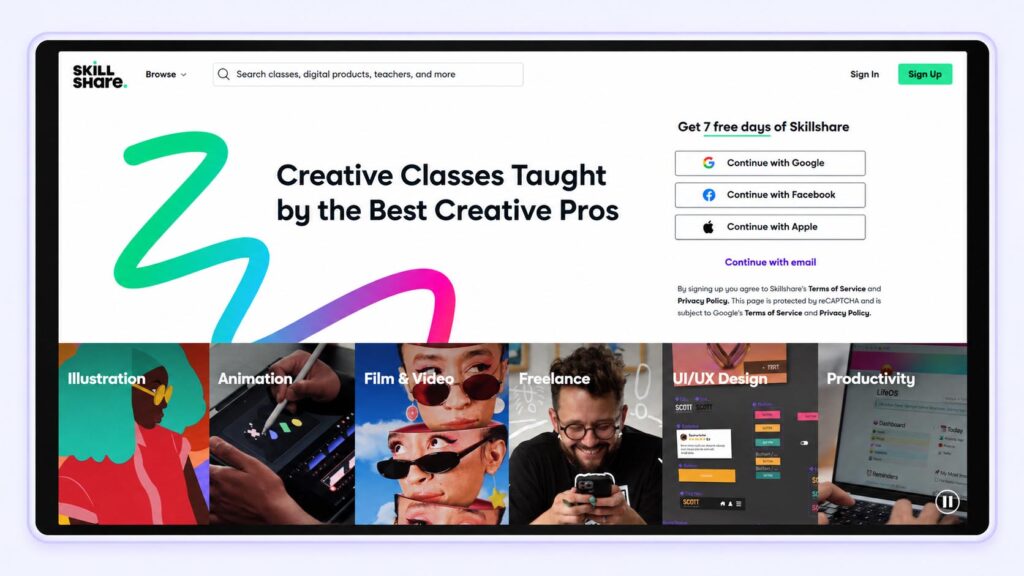
Skillshare currently holds a 4.1/5 Trustpilot rating from more than 4,000 reviews.
Skillshare works well for creators teaching visual or creative skills. It’s a great option if you’re looking to reach an existing audience of learners, especially if you don’t yet have your own following or marketing funnel.
Limitations
Skillshare’s marketplace and subscription model means less control over pricing and the customer relationship. If you already have an audience and want to sell courses under your own brand, Skillshare may not be the best fit for you.
10. Systeme.io: Best Budget Marketing Platform
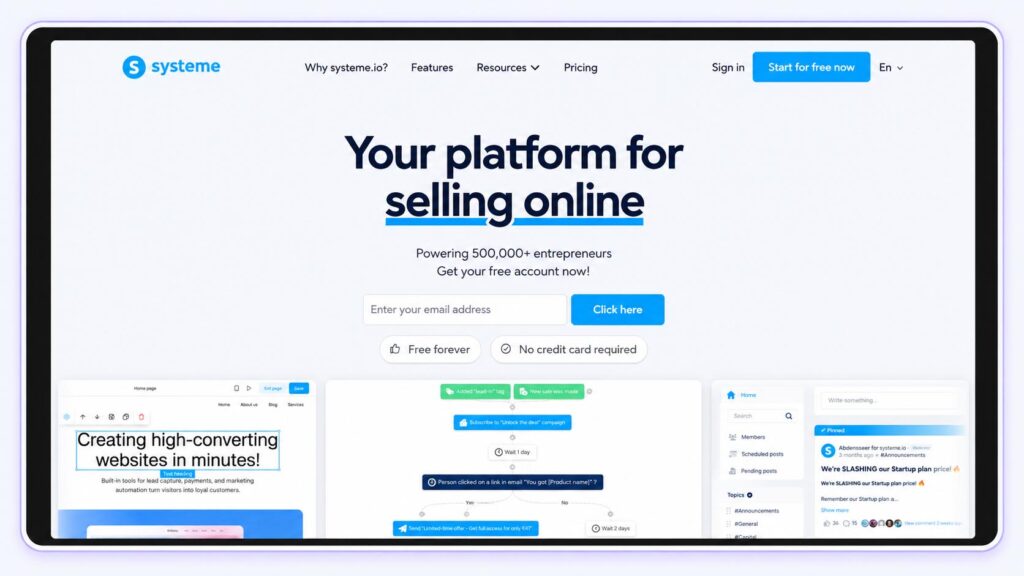
Systeme.io currently holds a 4.9/5 Trustpilot rating from more than 8,000 reviews.
Systeme.io is a great fit for entrepreneurs on a budget. It brings courses and marketing tools together in one place, making it especially handy for Creators who rely on funnels, email campaigns, and automated sales.
Limitations
Systeme.io is built for digital marketing and funnels, not Creators. If you’re a social-first Creator looking for a simple, polished storefront to sell courses and other products, a Creator-focused platform may be a better fit for you.
Which Online Course Platform Should You Choose?
Skip the feature list. Instead, focus on your sales strategy, your audience channels, and your long-term business goals.
Choose Stan if you’re a Creator with an existing social media audience and want a simple way to sell courses alongside digital products, coaching, memberships, and other offers.
Consider Kajabi if you need an all-in-one marketing platform that combines websites, funnels, email campaigns, and automation.
Consider Teachable or Thinkific if your business is focused primarily on structured online education and you want more traditional course-building and student-management features.
Consider Mighty Networks if community interaction is a major part of the product you’re selling.
Consider Udemy or Skillshare if you don’t already have a large audience and want to benefit from an established course marketplace.
Turn What You Know Into a Course With Stan
Your audience follows you for a reason: they value what you know and do. An online course lets you turn that expertise into a product that earns for you, without exchanging your time for every dollar.
With Stan, you can turn your knowledge into a course right where your Creator business already lives. Attract followers, capture leads, sell your course, and expand with coaching, memberships, or digital products as your audience grows.
If you’re ready to turn what you know into a product your audience can buy anytime, start your Stan Store today.
Online Course Platform FAQs
The best platform depends on how you plan to sell your course. For social-first Creators who already have an audience on platforms like Instagram, TikTok, or YouTube, Stan is a strong option because it combines course hosting, checkout, marketing tools, and other digital products in one place.
Creators who need more advanced learning management or website functionality may prefer platforms like Teachable, Thinkific, or Kajabi.
Ease of use depends on how much functionality you need, but platforms designed specifically for Creators tend to have a simpler setup process than traditional learning management systems.
Yes. You can sell digital products without a website. Many course Creators use dedicated course platforms, social media, or email marketing to reach their audience and make sales.
Link your storefront directly to your Instagram, TikTok, YouTube, or other social profiles. Visitors can browse your offers, buy your course, and access their content, no separate website needed.
It depends on the platform and plan you choose. Some platforms take a cut of each sale, while others charge a flat monthly fee with no extra transaction costs.
Keep in mind that payment processors like Stripe or PayPal charge their own fees, separate from those of your course platform.
When choosing a platform, compare monthly costs and fees against your expected sales volume.
Yes. While social media platforms aren’t built for hosting online courses, you can sell on social media by driving your followers to your course storefront.
For example, you can promote your course through posts, videos, Stories, or your link in bio, then direct interested followers to a platform like Stan to learn more and make a purchase.
The result is a straightforward path: content → storefront → checkout → course access. It’s a much simpler experience than routing followers through a traditional website and multiple tools.